
App access and directory visibility
Every person has two independent switches: one decides whether they get the app and count as a seat, the other whether anyone can see them.
Step by step
Only people with App access count as seats. Everyone else can stay listed in the directory for free.
Open Contacts in the dashboard. Each person has two switches, and they answer two different questions.
The two switches
- App access
- Can this person sign in to the mobile app? This is the billed seat. Flip it in the App access column on the Contacts list, or on the person's profile.
- In directory
- Does this person appear in everyone else's directory? Change it with Show in directory on the person's profile. It is free and is not a seat.
A contractor can be listed so colleagues can call them, without ever getting the app. A director can have the app and stay out of the list. The two questions are separate, so the switches are.
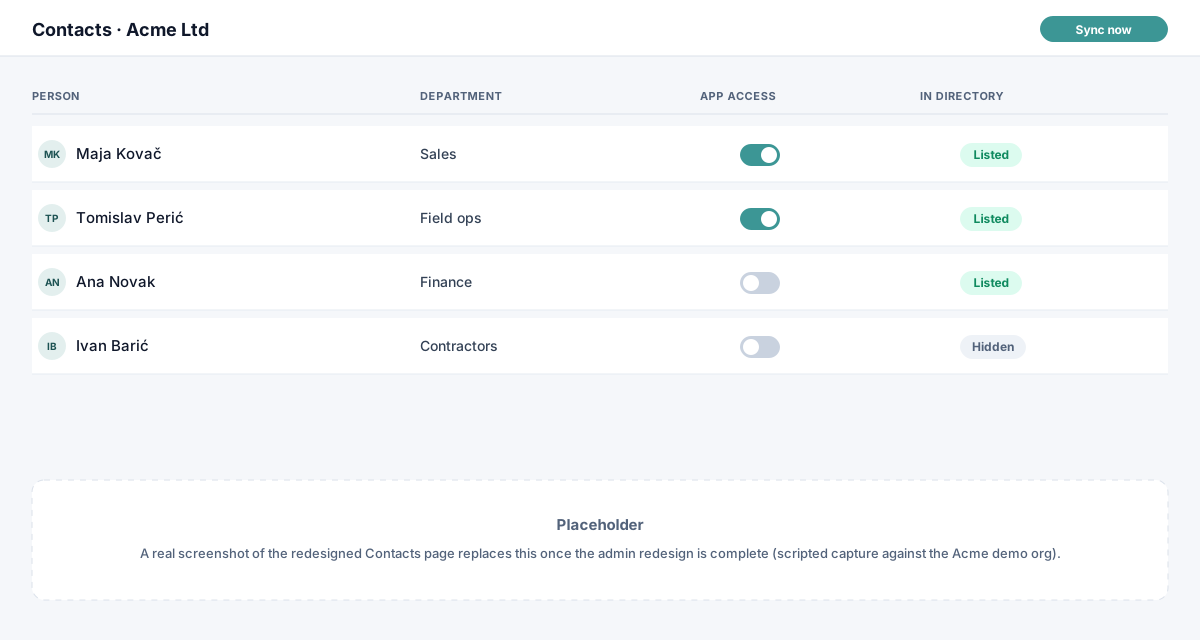
- App access Flip it here, on the list. Nothing applies until you press Save changes.
- In directory Read-only here. Open the person's profile to change whether others can see them.
Changes on the list wait for Save changes
Switches you flip on the list are collected in a bar at the bottom: n unsaved changes, with Discard and Save changes. Nothing applies, and nothing is billed, until you save. To change many people at once, filter or search the list and use Enable all shown or Disable all shown from the App access column header.
On a person’s profile, the App access and Show in directory switches apply straight away.
If saving would take you past five users (the Free plan) or past the seats you pay for, Workspace Sync shows what it will cost first (Add paid seats?) and only applies the change when you confirm. See Add or remove users mid-month.
What happens to new people
Someone who appears in Google Workspace arrives with App access off and Hidden from the directory. Nothing is billed and nobody sees them until you decide. Turning App access on also shows them in the directory; you can hide them again from their profile.
Turning access off
The person can no longer use the app. On a card subscription the seat stays paid until the end of the current period and drops off at renewal; Add or remove users mid-month has the detail.
When someone leaves
Delete or suspend them in Google Workspace as you normally would. The next sync removes them from the directory, ends their App access and frees their seat. You don’t need to do anything in Workspace Sync.